
Explore Claude Design vs. Figma to see how AI-powered tools are revolutionizing UI/UX. Discover which platform accelerates your workflow and empowers non-designers.
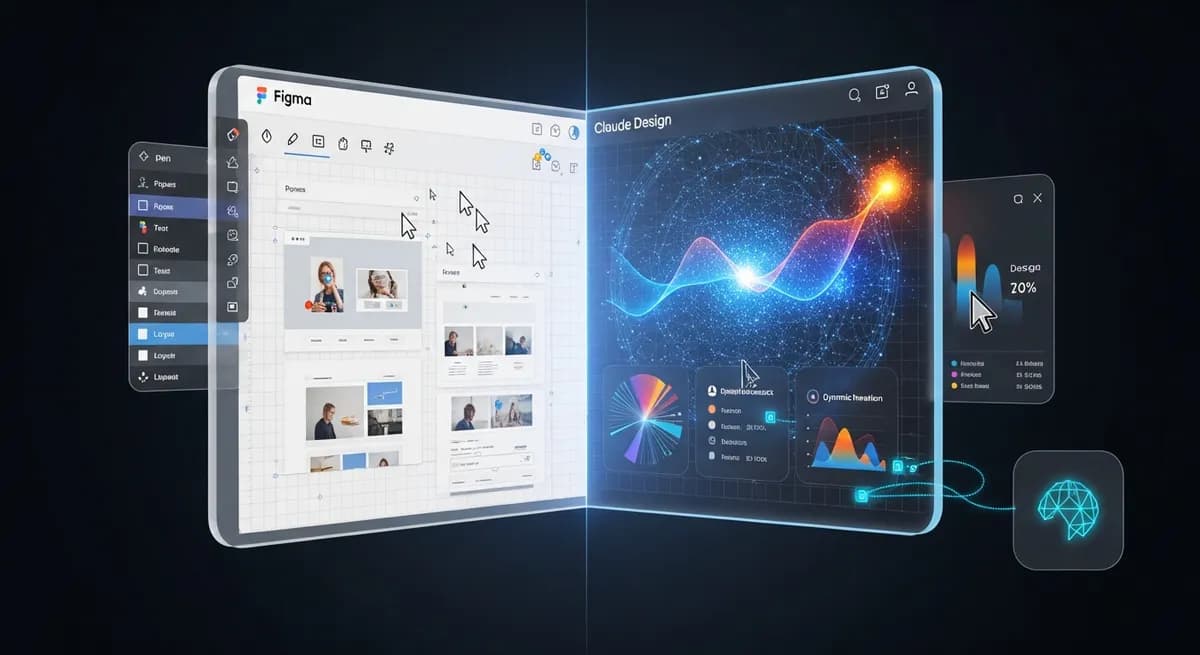
Is your design team spending too much time on repetitive tasks? Are product managers and founders struggling to translate their visions into tangible prototypes without extensive design experience? The landscape of UI/UX design tools is undergoing a significant transformation, driven by advancements in artificial intelligence. This article explores the key differences in claude design vs figma.
The traditional manual processes of UI/UX design are rapidly evolving. We're moving towards workflows augmented by AI, which promises to streamline everything from initial concept generation to final code handoff. This shift is giving rise to new tools that challenge established paradigms.
Stepping into this new era is Claude Design, an AI-powered design platform that launched in April 2026. This new entrant from Anthropic is designed from the ground up with AI at its core, offering a fresh perspective on how design can be created and managed. Meanwhile, Figma, a long-standing leader in collaborative design, has not stood still. It has continued to advance its own AI capabilities, notably with Figma Make, introduced in 2025.
The growing need for rapid idea exploration and accessible design tools for non-designers—like product managers and startup founders—is undeniable. Both platforms are responding to this demand, but with distinct methodologies. Understanding these differences is key to choosing the right tool for your team's unique needs.
At its heart, Claude Design operates as a conversational AI, generating visual outputs directly from natural language prompts. This powerful capability is fueled by Claude Opus 4.7, Anthropic's most capable vision model at the time of the platform's launch. This approach fundamentally changes the design process, moving away from a canvas-first mentality to a dialogue-driven creation.
One of Claude Design's most compelling features is its ability to ingest a team's existing codebase and design files. This allows it to create and automatically enforce a consistent design system across all generated assets. This means every app prototype, web page, pitch deck, or social media asset created maintains brand consistency without manual oversight.
The platform is specifically positioned to empower non-designers, such as founders and product managers, to create a wide range of visuals without requiring extensive design experience. Imagine generating a functional app prototype or a complete web page simply by describing your vision. Moreover, Claude Design pushes the boundaries into 'frontier design,' enabling code-powered experiences that incorporate voice, video, and 3D visuals, opening up new possibilities for interactive product development.
Figma continues to be a cornerstone for many design teams, celebrated for its pixel-perfect control, robust collaborative design platform, and an extensive plugin ecosystem. Its strengths lie in providing designers with granular control over every element and fostering real-time teamwork on a shared canvas.
Recognizing the AI trend, Figma introduced its own AI-powered tool, Figma Make, in 2025. This feature allows designers to generate designs from prompts, similar to Claude Design, and has seen a significant uptick in usage by non-designers, as reported in Q4 2025. This indicates Figma's commitment to integrating AI into its established workflow.
Figma has also made strides in the design-to-code workflow, rolling out native Git integration and live code sync for React codebases in 2025. These advancements aim to make design files 'living branches' within the same repository as production code, bridging the gap between design and development. However, some users have reported challenges with Figma's increasing complexity, price hikes, and performance issues, particularly during screen sharing, as of early 2026.
When evaluating Claude Design vs. Figma, it's essential to look at their core approaches to design. Figma's workflow is traditionally component-based, requiring designers to build from atomic elements. Claude Design, conversely, uses a prompt-based generation, allowing for incredibly rapid initial concept creation.
| Feature | Claude Design | Figma |
|---|---|---|
| Core Workflow | Conversational AI, prompt-based generation | Canvas-based, component-driven |
| Speed of Initial Concept | Extremely rapid (generates multiple concepts from prompts) | Requires manual assembly, slower for initial concepts |
| Non-Designer Accessibility | High (natural language prompts, functional prototypes) | Moderate (Figma Make helps, but core tool requires learning) |
| Design System Management | Automated enforcement via codebase ingestion | Manual creation and enforcement via components |
| Design-to-Code | Bundled output for coding agents, seamless handoff | Native Git integration, 'living branches' for React |
| Iteration Method | Chat conversations, inline comments, text edits | Direct layer manipulation, version history |
For non-designers, the learning curve on Claude Design is significantly lower due to its natural language interface. It focuses on generating working prototypes where elements like buttons and input fields are often functional in the first output. Figma, while making strides with Figma Make, still requires a deeper understanding of design principles and its interface for effective use.
Design system management also presents a key difference. Figma relies on designers manually creating and enforcing component libraries. Claude Design, however, automates this enforcement by ingesting existing codebases and design files, ensuring consistency from the outset. In terms of design-to-code, Figma's 'living branches' aim for integration, while Claude Design packages finished designs into a bundle structured for a coding agent, aiming for a more seamless handoff.
Claude Design excels in scenarios demanding rapid idea exploration and quick iteration. It's an invaluable asset for empowering non-designers, such as product managers, marketers, and startup founders, to quickly visualize concepts and accelerate early-stage product development. Its ability to generate functional prototypes from text prompts drastically reduces the time from concept to feedback.
On the other hand, Figma remains superior for detailed, pixel-perfect UI work, complex vector editing, and leveraging a vast, mature plugin ecosystem. Professional UI/UX designers who require precise control over every visual element and depend on a broad array of third-party integrations will find Figma's environment more suited to their needs. Its collaborative canvas is also unmatched for teams working synchronously on intricate designs.
Both tools can significantly reduce design bottlenecks, but they do so through different methodologies. Claude Design achieves this by democratizing design creation and automating consistency, while Figma streamlines collaboration and offers powerful tools for expert designers. For mid-sized teams considering a switch or integration, the ROI comes from time savings in initial concept generation and ensuring design consistency across all outputs.
A lire ensuite